
Should educators use agentic AI? If so, how?
Notes on reasons to try agentic AI browsers and workspace connectors in limited ways

Below are notes based on my recent presentation for OneHE, “Uses and Abuses of AI Agents in Education.” (See the recording and slides.)
One previous post, “Agentic AI: Considerations for Educators” focused on concerns about student misuse, and another, “The time to reckon with AI agents in digital learning spaces is now” focused on policy approaches. Here, I explore how and why educators might consider using agentic AI browsers and what the risks are.
I’d like to offer this quick overview as an educator watching the space and experimenting, not as a technical expert.
It’s good to be part of a growing number of educators exploring cautiously, but also with a sense of urgency and curiosity.
What is an AI agent?
First, let me clarify that I’m not referring here to custom chatbots. A chatbot with special instructions sometimes gets called an “AI agent.” In this sense, custom chatbots inside of Copilot in Microsoft 365 or on platforms like PlayLab would be “agents.” Those have been discussed at length for some time. This slide deck is about a newer development.
Agentic AI browsers take action
I’m talking about AI systems that do more than chat: agentic AI browsers take action. These are systems that move around digital environments and do things, much as a human would. They are designed to behave like a personal assistant or a coworker.
Perplexity’s Comet browser is now free to all. OpenAI’s ChatGPT Atlas browser and Anthropic’s Claude in Chrome browser extension are available at the $20/month level. As of 1/28/26, Gemini in Chrome has free agentic browsing capability.
Is it a browser or a chatbot?
It’s a combination, and the chatbot can take control. An agentic AI browser is often an alternate version of Chrome, like Perplexity Comet or ChatGPT Atlas. Gemini in Chrome just got “autobrowsing” capabilities.
There are also agentic AI browser extensions like Claude in Chrome.
In both, there’s a chat window next to the browser window. The AI system can “see” the webpage. In both, the AI system can move the cursor, click, and fill out forms (if the user grants permission).
Reasons to try agentic browsers
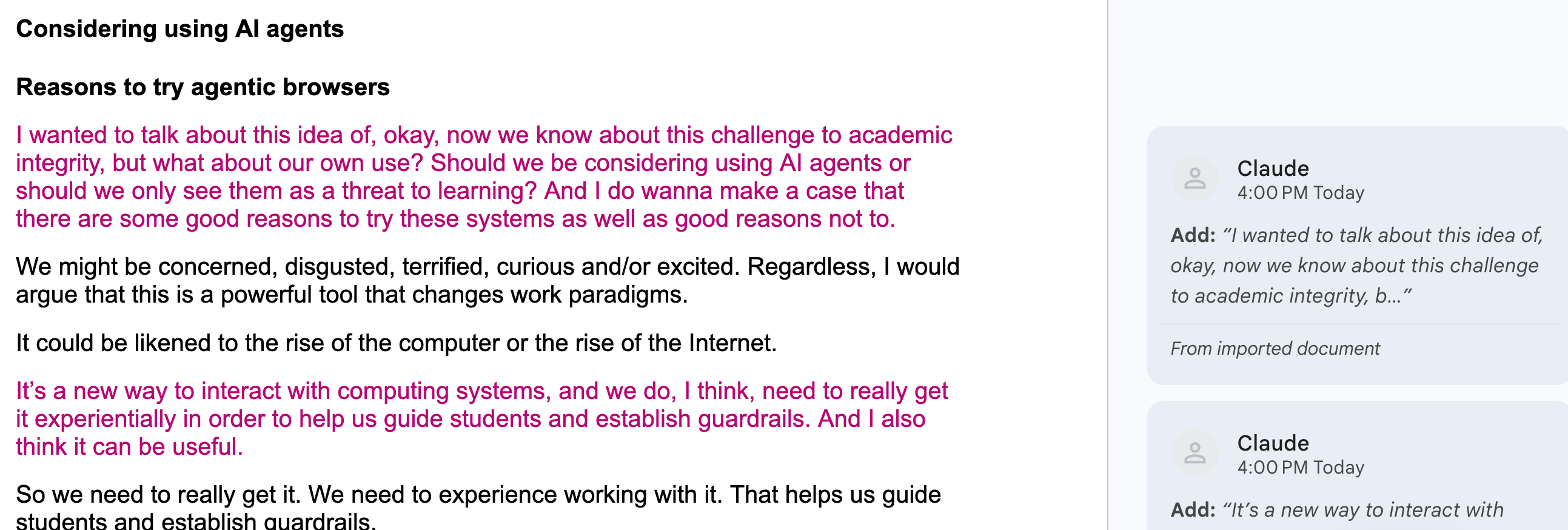
Should we be considering using AI agents or should we only see them as a threat to learning? I want to make a case that there are some good reasons to try these systems as well as good reasons not to.
We might be concerned, disgusted, terrified, curious and/or excited. Regardless, I would argue that this is a powerful tool that changes work paradigms.
It could be likened to the rise of the computer or the rise of the Internet.
It’s a new way to interact with computing systems, and we do need to really get it experientially in order to help us guide students and establish guardrails. I also think it can be useful.
“I worry that, in the world where this stuff does actually continue to improve, where it’s not just productivity theater, ...if people aren’t even aware that these tools are out there, that people who are using them are getting some benefits from it, I just worry that they’re going to get left behind.” — Kevin Roose, the New York Times Hard Fork podcast, January 30, 2026
Reasons to beware of agentic browsers
Agentic AI browsers may follow hidden, malicious instructions on the websites they browse. According to OpenAI, this threat of prompt injection will likely never be fully solved.
It basically redirects the agent to do things like harvest data or make changes or get your bank account number or introduce a virus and hold your hard drive ransom.
Information in the sites visited is shared with the AI browser company.
See “AI browsers are a cybersecurity time bomb“ in The Verge.
“[L]ike when you free solo a giant skyscraper...there is some risk involved with installing an AI agent onto your main machine.” — Casey Newton on Clawdbot/Moltbot/OpenClaw on the New York Times Hard Fork podcast, January 30, 2026
Institutional policies on faculty use of agentic AI
We need these ASAP. Several institutions have issued guidance cautioning about faculty use:
The University of Tennessee, Knoxville’s brief summary of risks
University of Missouri Academic Technology Department guidelines on agentic browsers
Indiana University’s Campus Cyber Watch blog cautions that agentic browsers “can capture elements of student records, internal messages, advising notes, or research datasets.”
Rule #1: Don’t give them access to your institutional accounts
A prohibition on sharing access to work accounts is central to Acceptable Use Policies (AUPs) in higher education and beyond.
The commonly used SANS Institute Cybersecurity Acceptable Use Policy template bans “Revealing your account password/passphrase to others or allowing use of your account by others.”
We shouldn’t be logged into Canvas or any institutional system and then be asking a browser agent to do things for us. A possible exception could be if we were given explicit permission by the institution for a pilot project with safeguards.
Harms from giving an agentic browser access to institutional accounts
Doing so could compromise private student and/or institutional data.
It exposes your account to malicious attacks (such as via prompt injection).
An AI agent could also do damaging things in your name purely by mistake. It could delete things.
Better ways to use agentic browsers
If we want to use them, what are some better ways?
Use them logged out (WhenIsGood doesn’t require login)
Set them to ask permission before acting
Set them to ask before accessing new websites
Use them with personal accounts, such as a trial free Canvas account
My experiments
I have found that Perplexity Comet, Claude for Chrome, and ChatGPT Atlas are clunky, slow, and untrustworthy but still useful. They have:
Made a meeting poll for me
Looked up and summarized colleagues’ teaching schedules via my college’s schedule web app
Researched and summarized sources linked to in this presentation (Claude in Chrome was able to access the sites when Claude alone was not)
Scraped a webinar transcript from the recording and integrated selections from the transcript into a .docx version of the text from my slides.
Sometimes an AI browser extension or browser agent will be able to access a site that a chatbot cannot.
Liza Long’s workflow for agentic accessibility remediation
In her Substack, Liza Long describes how she arrived at the multi-agent, transparent workflow she shares in her OER resource: Accessibility by Design: A Guide to Agentic Workflows for Accessibility Checks.
She notes that when she first tried this, this agentic browser was making changes to her textbook that she had not asked for. She had to work out a system where she was micromanaging and structure the process so that verification was possible.
Let an agentic browser input public data into a public form?
Educator Michelle Kassorla used an agentic browser to fill out a required Google form describing her syllabus (watch the video), and she explores many more examples and uses in her Higher Ed Professional’s Guide to Agentic AI, prepared for a panel at the AAC&U Institute on AI, Pedagogy, and the Curriculum.
A powerful vibecoding approach to modifying an online course
Joel Gladd has shared “skills” that allow faculty to modify their Canvas learning management system course via chatbot. See his detailed instructions in this presentation for the Idaho AI Catalyst program.
This is probably a more efficient and effective way to make some kinds of changes to a course, but it does require you to have some enterprise protection and permission from your institution and some willingness to at least think about coding environments. I’m not quite there yet, but I’m hoping to try it.
The faculty member gets Canvas API tokens. They tell the chatbot to “pull” the course, make changes, and “push” it back to Canvas.
He does this only on courses with no students and recommends it only if you have enterprise protection and permission from your institution.
Accept or reject Claude’s editing suggestions
Leon Furze used Claude Code to create a book editor agent (though he touts the continuing value of human editors too). It follows a style guide and returns a Word document with suggested changes the human writer can accept or reject.
Connectors: extending agentic capabilities
You can connect a Claude, ChatGPT, or Gemini account to other accounts and services like Gmail, Google Calendar, or a folder on your computer (via Claude Cowork).
Thus you can give permission for chatbots to take action on your behalf in those spaces behind the scenes, not in a browser.
If AI is making changes alongside us in our workspaces, it feels more like working with a personal assistant.
“Is it worth it?” is always a good question
How much time could it save at the task?
How much time and energy does it take to manage and check the agent?
How much do I need the psychological sense of support?
However, it’s often hard to answer the first two questions until we try what can be done with today’s tools. It’s difficult and requires experimenting.
“But honestly...it just does not enable that much new stuff...it’s actually not clear to me that this is going to help me in my life.”
“I think that ClawdBot is a very compelling vision of the future...what if instead of having a bunch of apps on your computer...there was just a genie who lived inside your computer?”
— Casey Newton, the New York Times Hard Fork podcast, January 30, 2026
What might you try?
In my presentation for OneHE, I asked participants, “What might you try if privacy and security were taken care of? What will you actually try?”
I’ve left the Mentimeter poll open if you’d like to participate! You can also see the results from the webinar or comment here.
AI use statement
I did not use AI to come up with the words or organization of these notes. I did use AI to combine my webinar recording transcript and slides into a draft.
This slide deck is licensed CC BY NC 4.0.
I clicked on that little Gemini icon and said 'no thanks' when it told me it was reading my current tab by default. I appreciate you bringing this to my attention, although I really don't know what to think. It is one thing to go out and sign up for a service that advertises itself for cheating, it is quite another to have a 'helper' suddenly show up in your favorite browser.
Thanks for writing more about this, Anna. I agree that it’s important for us to try these tools and know what we’re facing. I wish these companies would publish ways to be really safe giving this a try, but your post is the first one I see with specific advice. Do you think it would be possible to have an agentic browser change a Canvas course if we’re using a personal free Canvas account?
Side note: given comments on your AI detection post, I thought it was funny to see the AI use disclosure here :)